
Skip to Main Content

Mimic Browser Automation

Code Free Automated Solutions

shield

Mimic - Creating code free automated solutions for websites. Any page, any task.

Interested? Take a look at our installation instructions to get started automating your tasks.

Why Mimic?

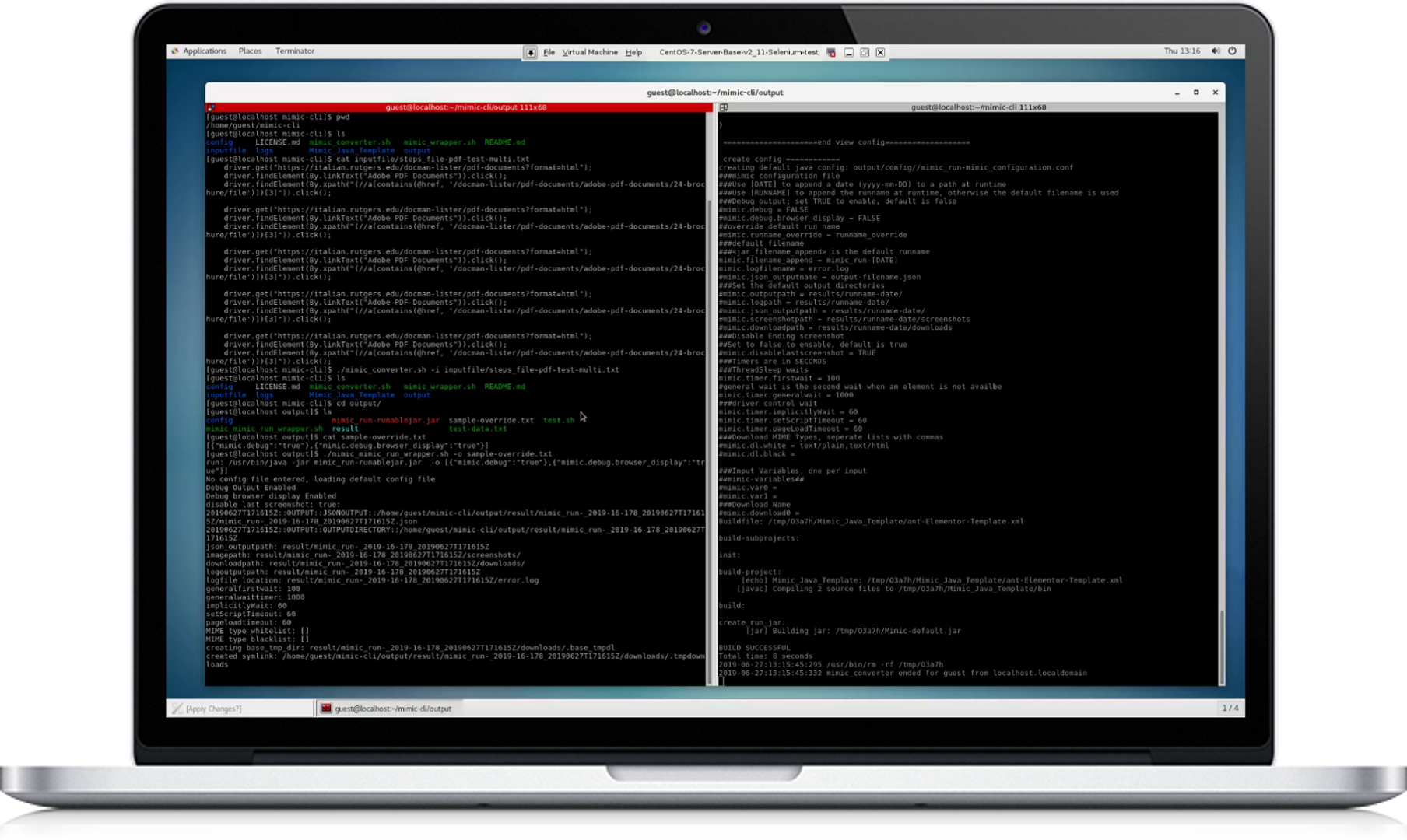
Mimic generates a script from user actions in a web browser to be replayed later. Simply Mimic creates API like interfaces for websites without API’s. This document will outline the automated compilation of these instructions into an automatically implementable format. The application takes recorded output from the Katalon Selenium Recorder and compiles it to a runnable file, which has the capability to be run headless via command line. The goal is to take the output from Katalon and with minimal user effort to create a self-contained and configurable script. 

  • Watch our video

Design

Mimic was designed in order to make task automation simpler, and to allow for easy and scriptable reuse without the need to continuously regenerate the automation script or to manually start an automation tool. A major focus of the Mimic project is ease of use with a utilitarian focus.

  • Tips & Tutorials
  • Inspiration gallery
  • Site of the day

Development

Mimic in development consisted of a multi-part process including the use of multiple tools to provide a seamless command line deployment of an automation script. 

The core of the project is developed in JAVA while the supporting tools are written in BASH for ease of use. This combination allows for the user to seamlessly deploy Mimic on their machines. 

  • Add-ons & extensions
  • GitHub project
  • API for developers

Get Started Guide

Click edit button to change this text. Lorem ipsum dolor sit amet, consectetur adipiscing elit. Ut elit tellus, luctus nec ullamcorper mattis, pulvinar dapibus leo.

Examples

Click edit button to change this text. Lorem ipsum dolor sit amet, consectetur adipiscing elit. Ut elit tellus, luctus nec ullamcorper mattis, pulvinar dapibus leo.

Installation

Click edit button to change this text. Lorem ipsum dolor sit amet, consectetur adipiscing elit. Ut elit tellus, luctus nec ullamcorper mattis, pulvinar dapibus leo.